


If you have forgotten your username or password, don't worry—there are simple steps you can follow to regain access to your account.
How do I reset my password or get my username?
- Click 'Sign In' from the menu.
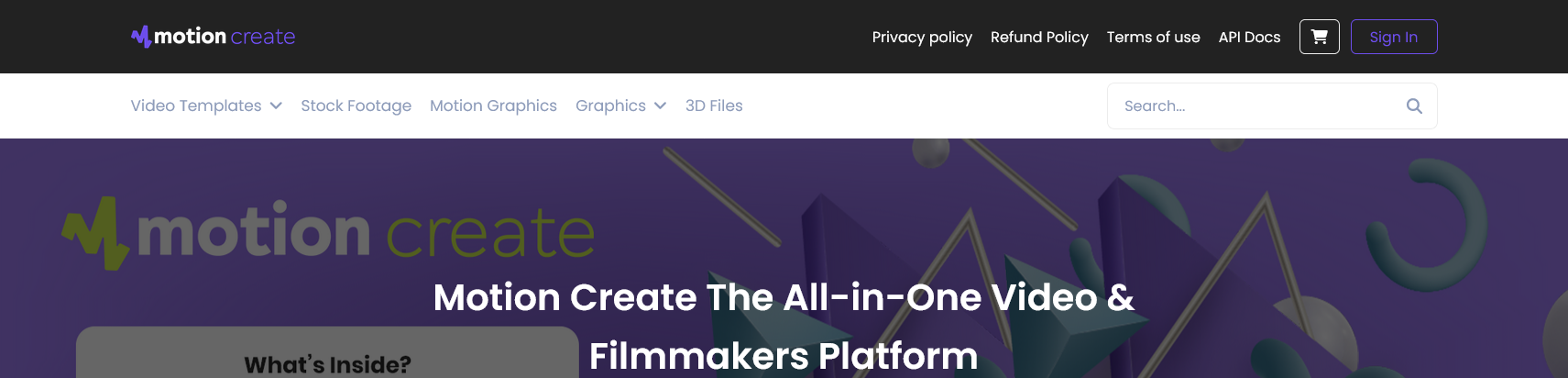
- Click 'Remember me' to have your username sent via email, or click 'Forgot' to reset your password.
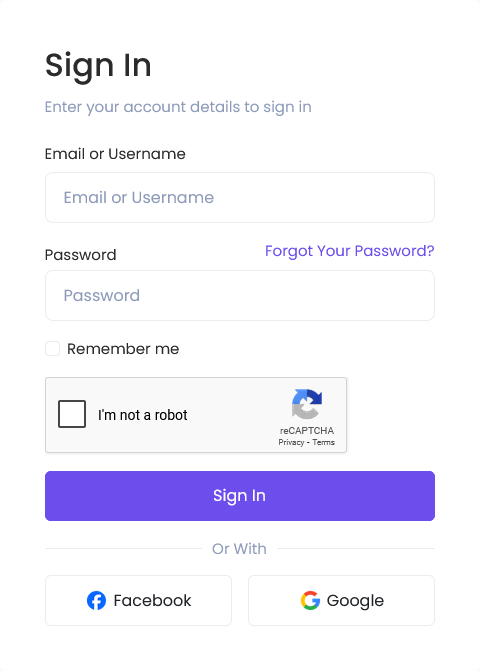
- Enter your MotionCreate account username and the email address registered to your account.
ℹ️ Hint: If you do not receive the password reset or username email, please ensure you have checked your spam/junk folders and added contact@motioncreate.net to your address book or whitelist.
I use a social account to sign in. How do I get a password?
Users that use a social account to sign in won’t have a password attached. You'll need to manage your password via your social account settings. If you want to create a password for your Envato account, you'll need to disconnect your social account.
To disconnect your social account:
- Log in to Motioncreate account.
- Select "Disconnect Account".
- Confirm and click "Submit".
- Complete the password reset instructions sent to your email.
Once complete, you can use your username/email address and password to log in to your MotionCreate account.
Was this article helpful?
0 out of 0 found this helpful