


If you need to change information associated with your account, you can easily do so by accessing the MotionCreate account management page.
- How can I update my account details?
If you’d like to change your MotionCreate Account details, such as:
- Email Address
- Password
- Username (certain restrictions apply to username changes)
- Name (if your account has tax information associated with it, you must instead update your tax details)
- Licensee name (this will only update future licenses with your changes).
just follow the steps below:
- Ensure you're signed in to your MotionCreate Account.
- Visit the MotionCreate Account page.
- You will be redirected to the MotionCreate account management page to edit your details.
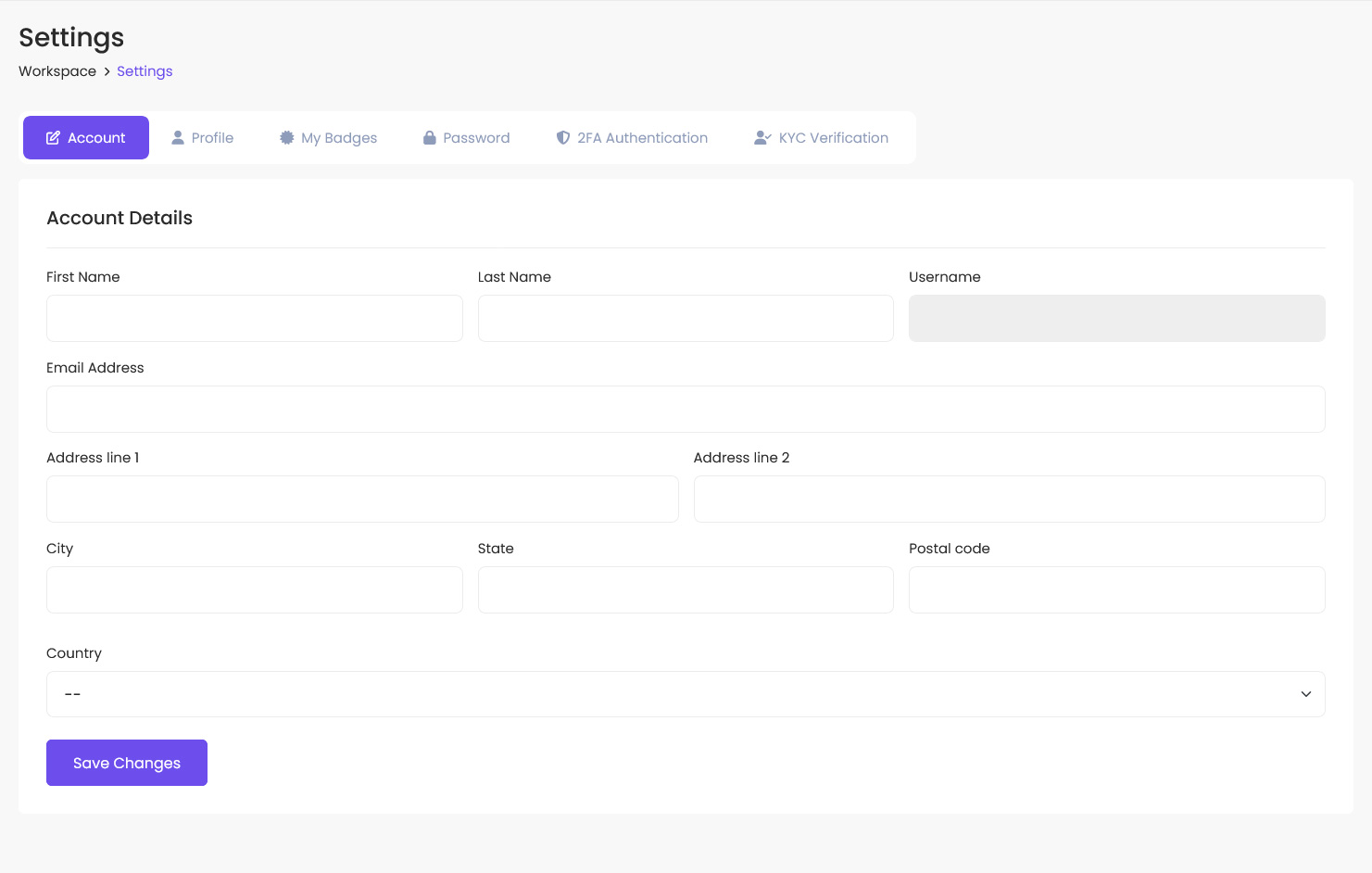
- Please go ahead and make the necessary changes.
- When ready, enter your current password and click 'Save changes' to confirm the changes.
- Signing in with a social account
Only the username can be updated for users who use a social account to sign in. All other account details are managed via the social account settings.
If you want to create a password for your MotionCreate account and sign in with a username and password, you’ll need to contact our support team to update your account settings.
More information on signing in with a social account is available here.
Was this article helpful?
0 out of 0 found this helpful