


Step 1: Go to the registration page
Visit MotionCreate.net and click the “Sign Up” or “Create Account” button at the top right corner.
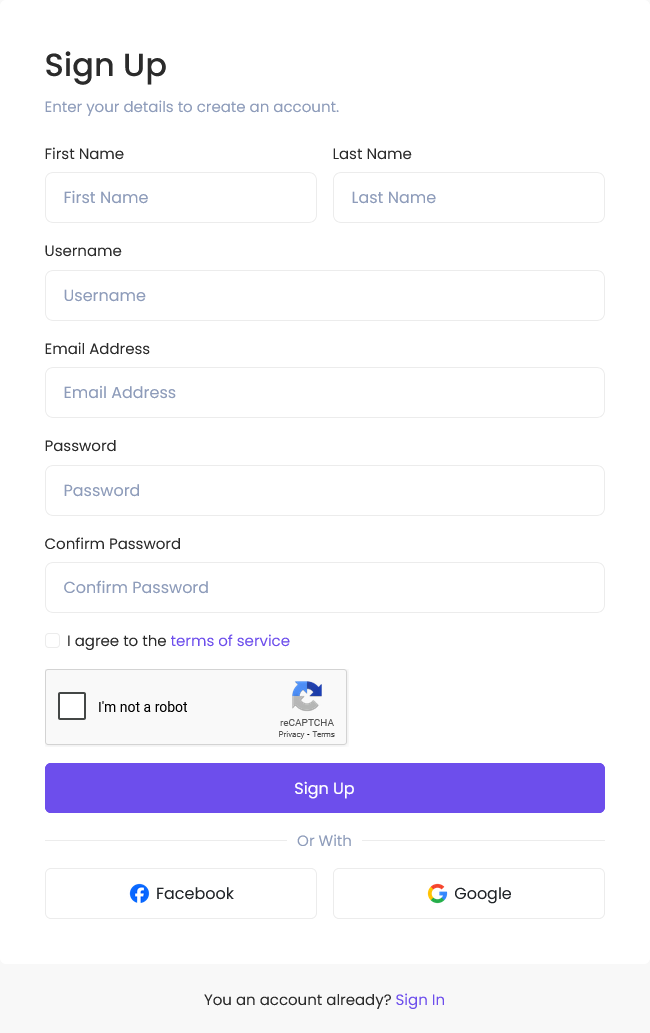
Step 2: Fill out the registration form
Enter your name, email address, and password in the required fields.
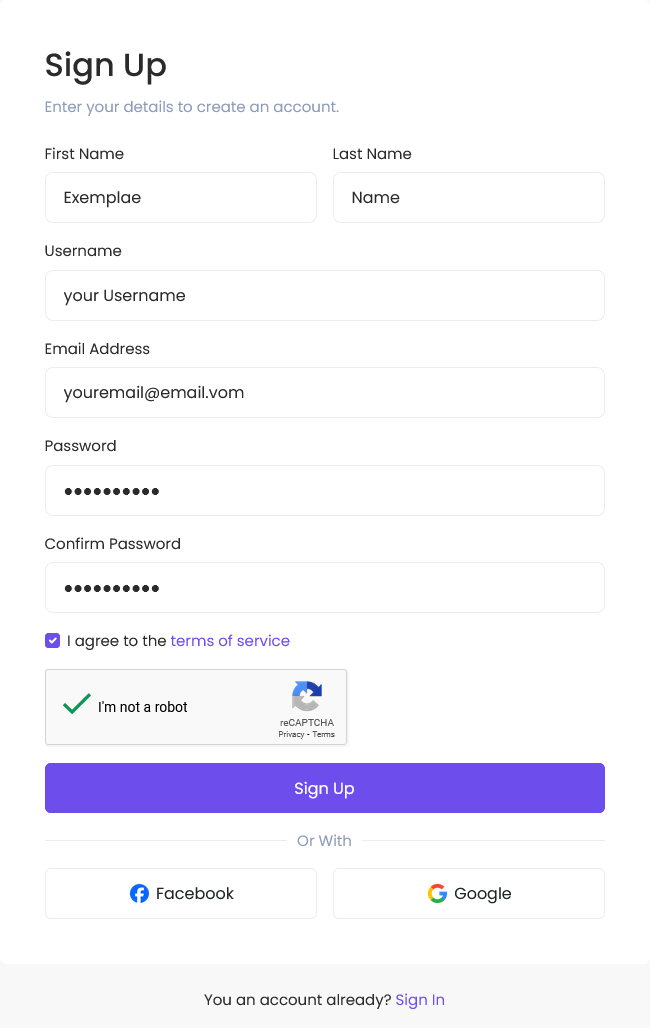
Step 3: Accept the terms
Check the box to agree with MotionCreate.net’s Terms and Conditions and Privacy Policy.
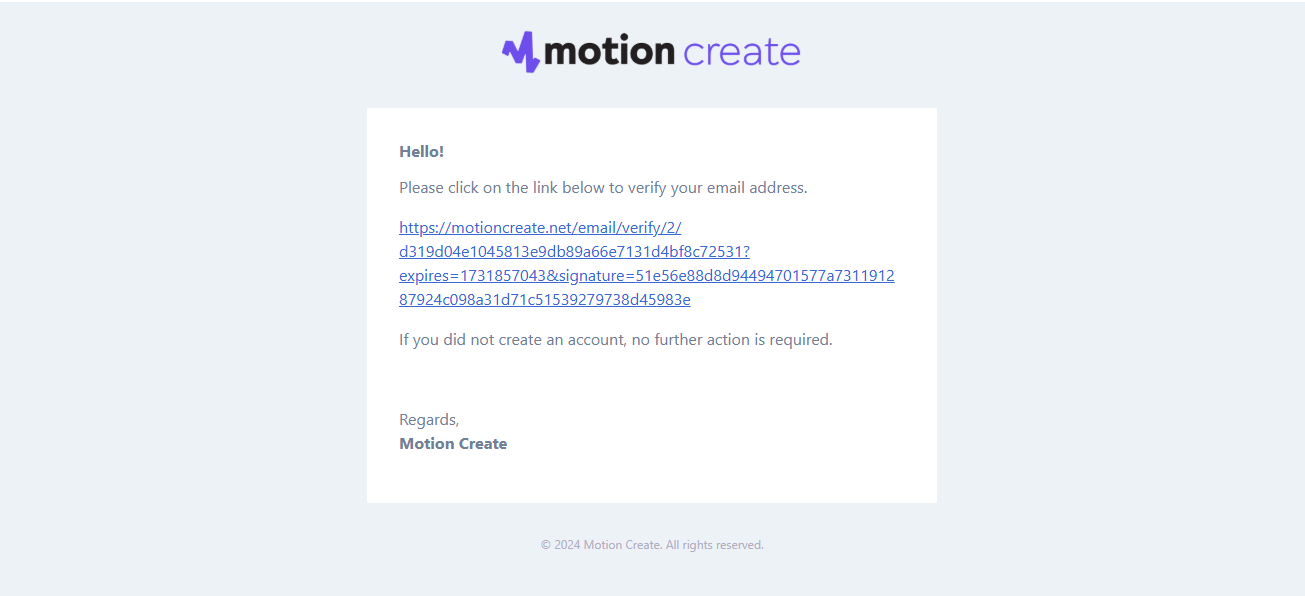
Step 4: Verify your email
A verification email will be sent. Open it and click the “Verify Email” button.
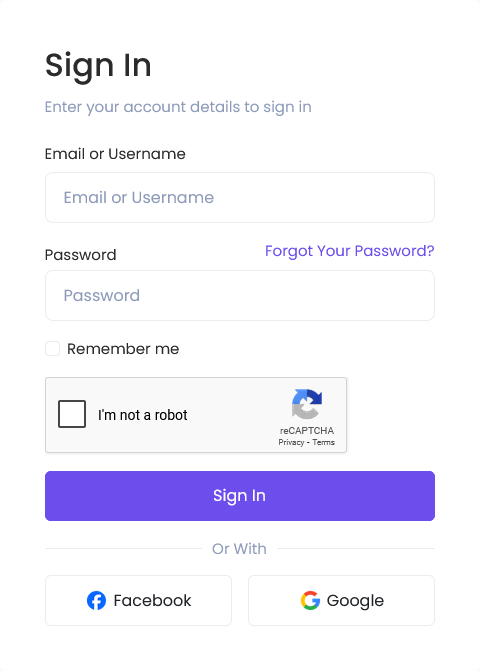
Step 5: Login to your account
After verifying, go back to MotionCreate.net and click “Login” to access your dashboard.
Was this article helpful?
0 out of 0 found this helpful